If you have just bought a new car and the dashboard keeps beeping at you for speeding, you are not alone. Since July 2024, new cars sold in Europe must have Intelligent Speed Assistance (ISA) fitted as standard .
This system uses GPS, speed-sign recognition cameras, and forward-facing cameras to identify speed limits. If you exceed them, the car beeps, flashes warnings, or vibrates the steering wheel.
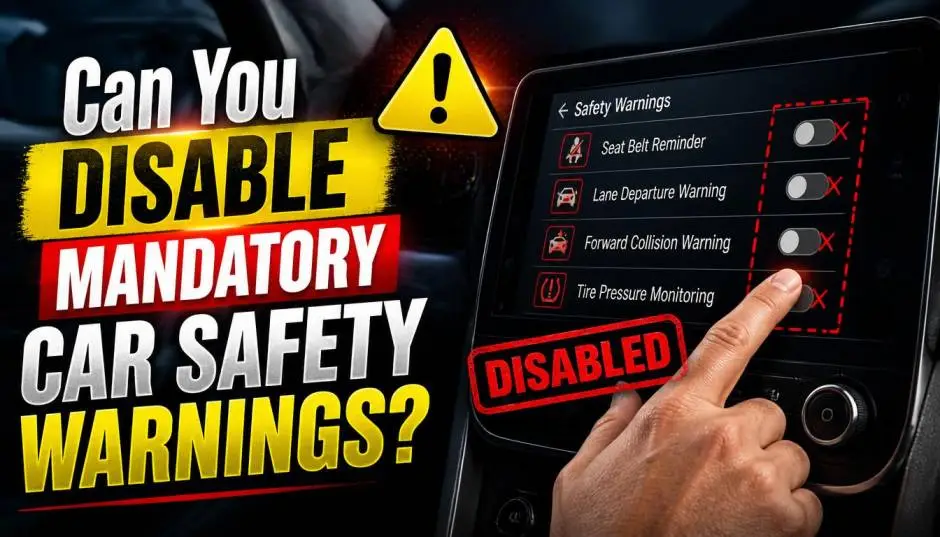
Can You Disable Mandatory Car Safety Warnings?
The regulation is mandatory for all new car models. For cars already on sale before July 2024, they were phased in gradually after that date .
The rule also applies to the UK, even though it is no longer in the EU . The system is designed to be a safety net, but many drivers find it distracting.
So, can you turn it off?
The Short Answer: No, Not Permanently
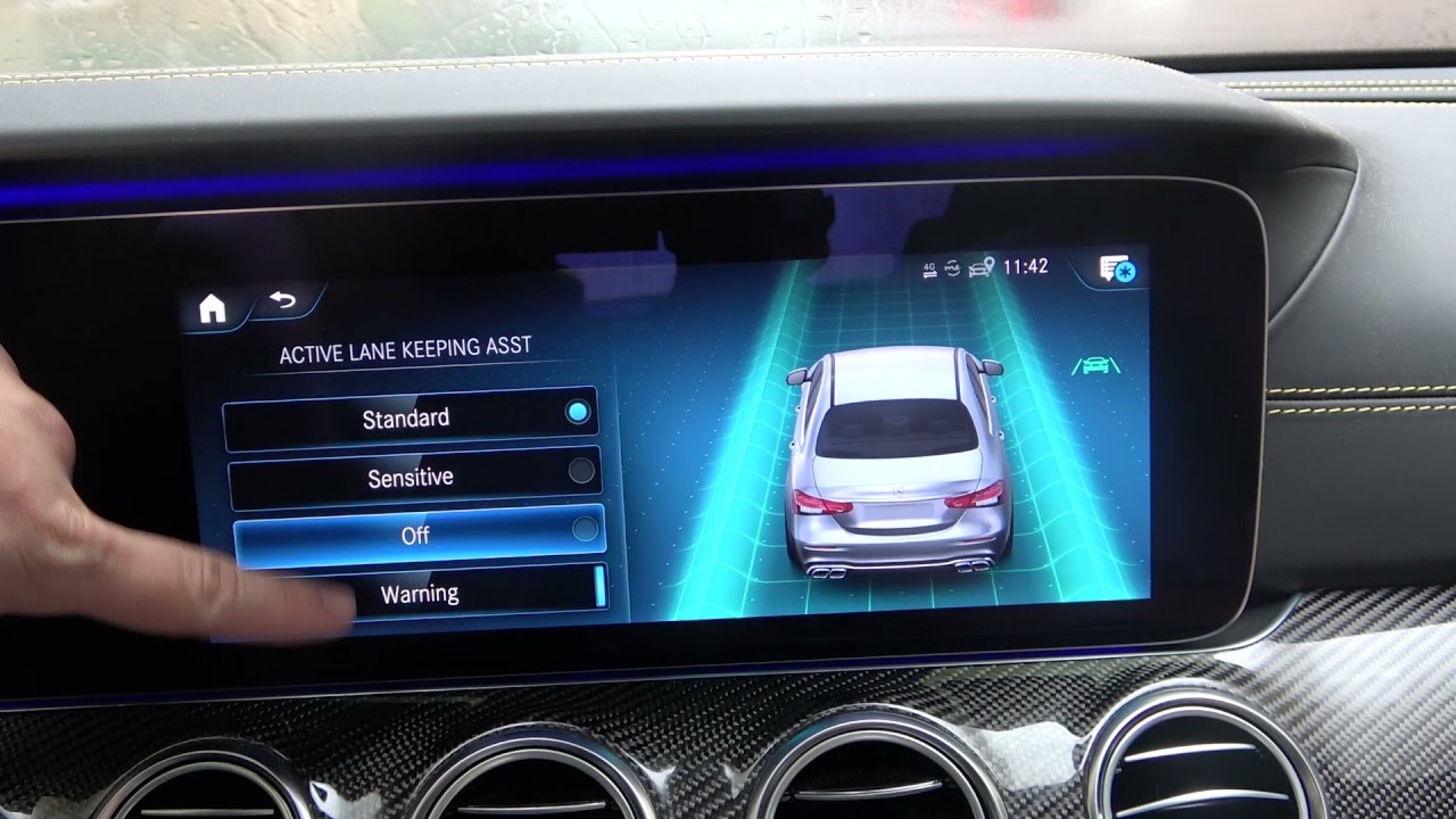
The legal requirement states that ISA must automatically activate every time you start the car . You are allowed to turn it off for each journey, but it must reset to "on" the next time you start the engine. You cannot permanently disable it through the normal car menus.
Read Also: Google Planning Open-Source Android Auto Platform
The legislation was introduced in July 2024, and many car forums discuss the annoyance of having to turn off these features every time they drive . Some owners have even considered cancelling orders for new cars because of this requirement .
How to Turn Off Speed Warnings for Your Current Journey?
If you want to disable the speed warning for your current drive, the exact steps vary by manufacturer and model.
Volkswagen (VW, Audi, Skoda, Seat, Cupra)
Volkswagen Group cars require you to go through the central infotainment menu each time you start the car . For some VW models, you can also use the steering wheel buttons to turn it off:
-
Tap the left-side steering wheel button to enter the driver assistance menu.
-
Press the SET button.
-
Adjust the speed using the + and - buttons.
-
Press OK to confirm .
On Audi models, you can go through the MMI screen:
-
Select the "Driver Assistance" system in settings.
-
Choose "Overspeed Warning."
-
Rotate the selector to adjust or close the speed .
BMW
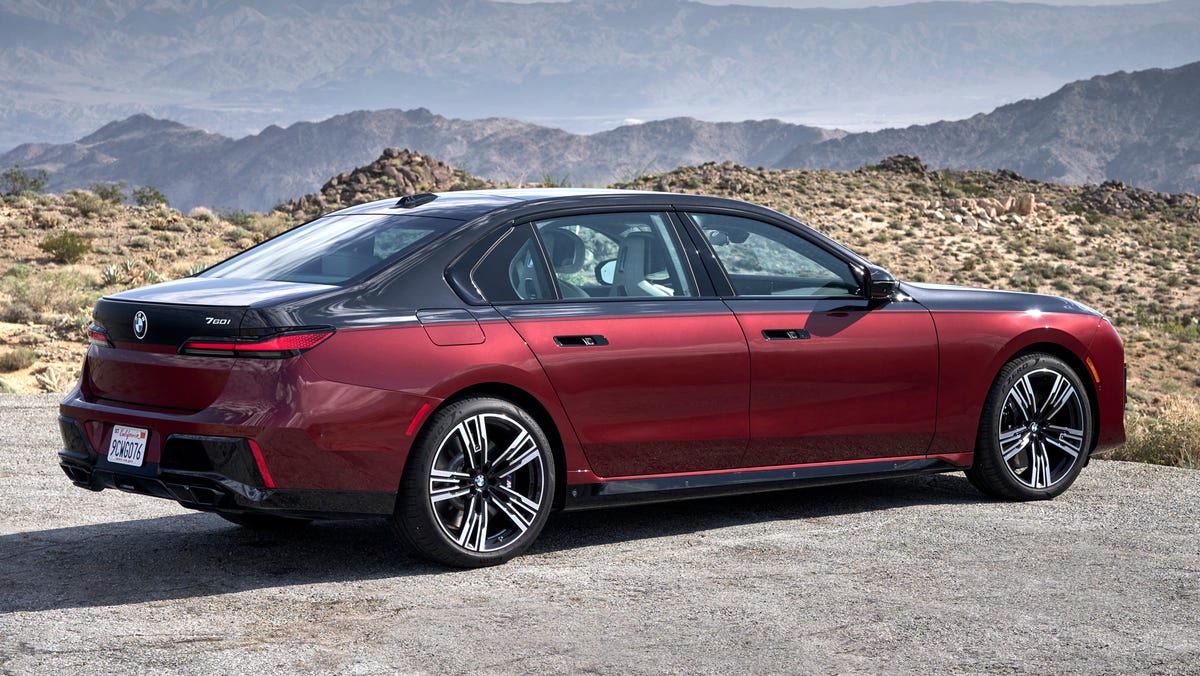
For BMW models, you can press and hold the "SET" button on the steering wheel for about two seconds to disable ISA for that journey . You can also manage it through the central information display settings.
You Must Also Like: Why Legacy Automakers Are Failing Tesla in 2026?
Jaguar / Land Rover
On newer Jaguar and Land Rover models (from 2024 onwards), some owners have found workarounds to retain their preferred settings.
For example, using a diagnostic tool to change the CCF (Car Configuration File) can make the system remember the previous setting . However, this is not officially recommended or supported.
Tata Nexon
On the Tata Nexon, the speed warning is audio and visual. The visual alert activates at 80 km/h, beeping every two minutes. At 120 km/h, a continuous beep sounds until you slow down . There is no simple permanent off switch.
Why Manufacturers Make It Difficult?
After July 2024, the regulation (UNECE R110) made it harder for manufacturers to allow full deactivation . Some systems are protected by SFD (SFD2) security measures .
This means even with advanced diagnostic tools (like VCDS), you cannot permanently disable the system without breaking regulations.
The car's navigation data and cameras also feed into the system, so it is not as simple as just covering the camera . Some owners on forums joke about covering the camera or disconnecting the GPS, but these methods are impractical and can affect other car functions.
The Final Thoughts
You cannot permanently disable mandatory car safety warnings. The system must reset to "on" every time you turn the car on. The only legal option is to turn it off for your current drive, usually through the infotainment screen or a steering wheel shortcut.
If you are buying a car primarily for track use or find the warnings intensely distracting, this is a factor to consider. Some high-end sports car owners have expressed frustration about this, but the manufacturers are bound by regulation.
For now, familiarising yourself with the menu shortcuts might be your best defence against the constant beeping.
FAQ's- About VW Turn off Speed Warning Permanently
Can you permanently disable the speed warning on a VW?
No. Since July 2024, VW models reset the speed warning to "on" every time the car is turned on. You can only disable it for the current trip .
How do I turn off the speed warning on my Audi?
Go to the MMI screen, select "Driver Assistance" and find "Overspeed Warning." You can adjust or close the speed there . For Audis in the US, some dealers may have software fixes that allow the setting to stay off, but this is not standard in Europe .
Can I turn off the speed warning on my Tata Nexon?
The speed warning on the Tata Nexon is always on when you are driving over 80 km/h . You cannot turn it off permanently, but you can slow down to stop the beeping.
Is it illegal to drive with the speed warning off?
No, the law only requires the system to be active by default at every start. You are allowed to switch it off for the journey, and it is not an MOT requirement to keep it on . The regulation is about manufacturer fitment, not driver compliance.